
Create and share projects
Create a project, copy it and share it with other people. A project is one video: its scenes, documents, renders and settings.
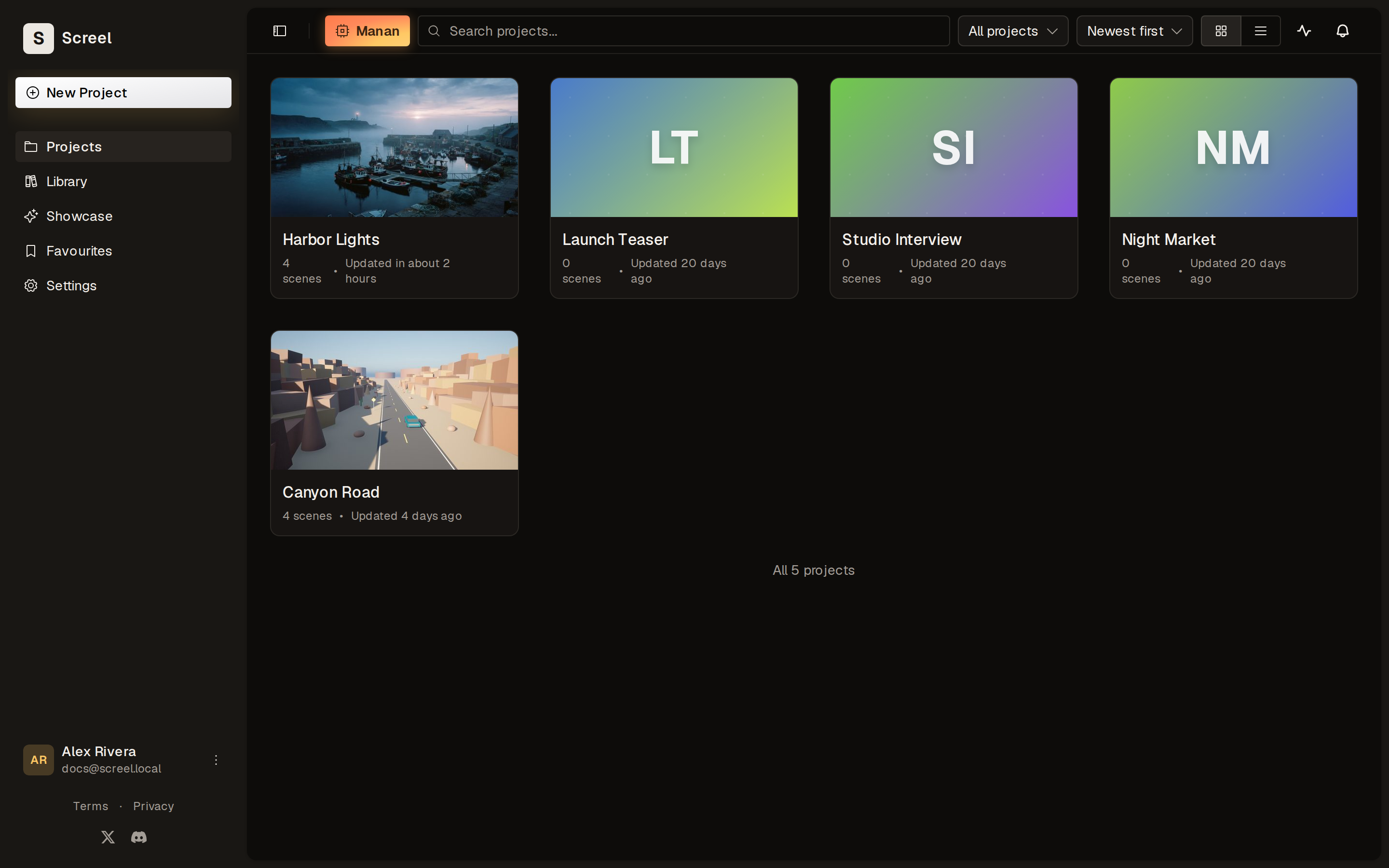
Create a project
Section titled “Create a project”- Click New project.
- Enter the Project Name.
- Pick the Aspect Ratio.
- Click Create Project.
The Description is optional. In an organization, Visibility decides whether the project is personal. See Workspaces and projects.
Manage a project
Section titled “Manage a project”Open the menu on a project card:
- Share opens the sharing panel.
- Edit name renames the project.
- Duplicate copies the project under a New project name.
- Publish to Showcase adds the project’s render to the showcase. It stays off until the project has a render.
- Delete removes the project. You cannot undo this.
Share a project
Section titled “Share a project”- Click Share in the project’s menu, or Collaborate in the editor.
- Enter an email in Invite by email….
- Pick Edit or View.
- Click Add.
To find shared projects, filter the projects page by Shared with me or Shared by me.
To share a finished video instead of the project, see Render and exports.